
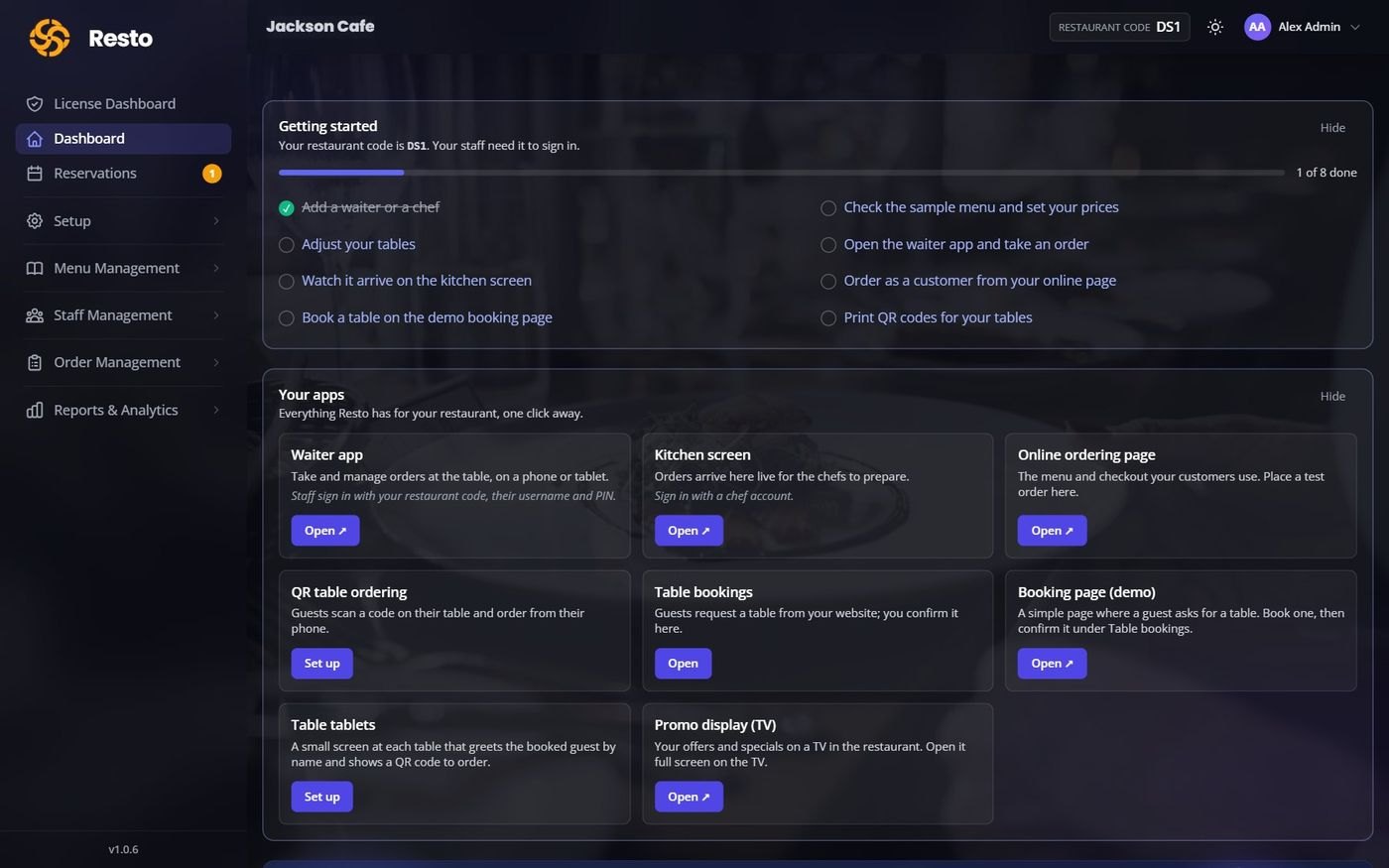
Admin workspace
Owners and managers, on a computer or tablet
Set up the restaurant, menu, staff and online ordering, and read the reports.
Orders, kitchen, staff, bookings and reports, connected in real time. Guests order from their phone, waiters from theirs, and the kitchen sees every dish the moment it is sent.
90 days free with every feature. No card, no installs, no special hardware.
A guest orders on their phone, the waiter sees it, the kitchen cooks it and the owner sees the sale. No refreshing, no shouting across the pass.
Owners and managers, on a computer or tablet
Set up the restaurant, menu, staff and online ordering, and read the reports.
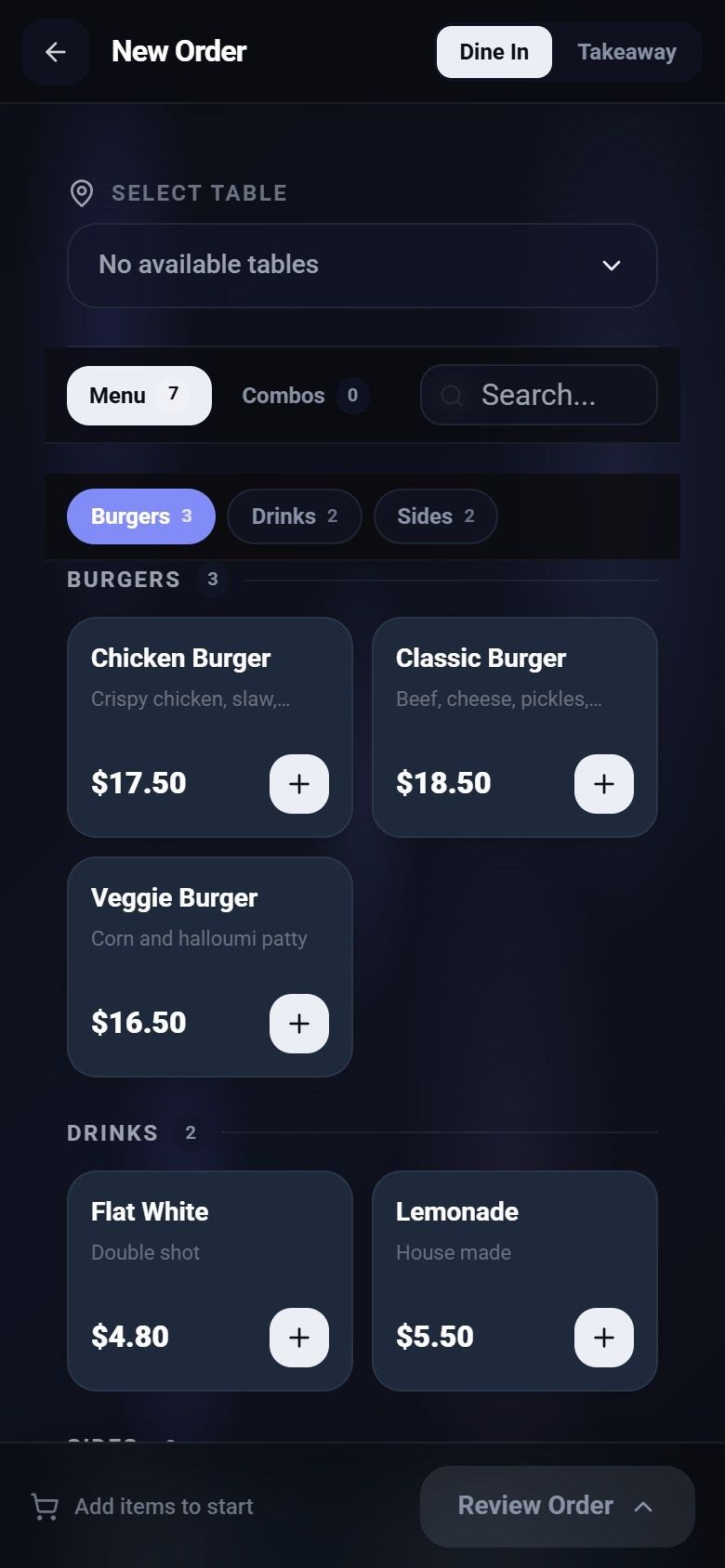
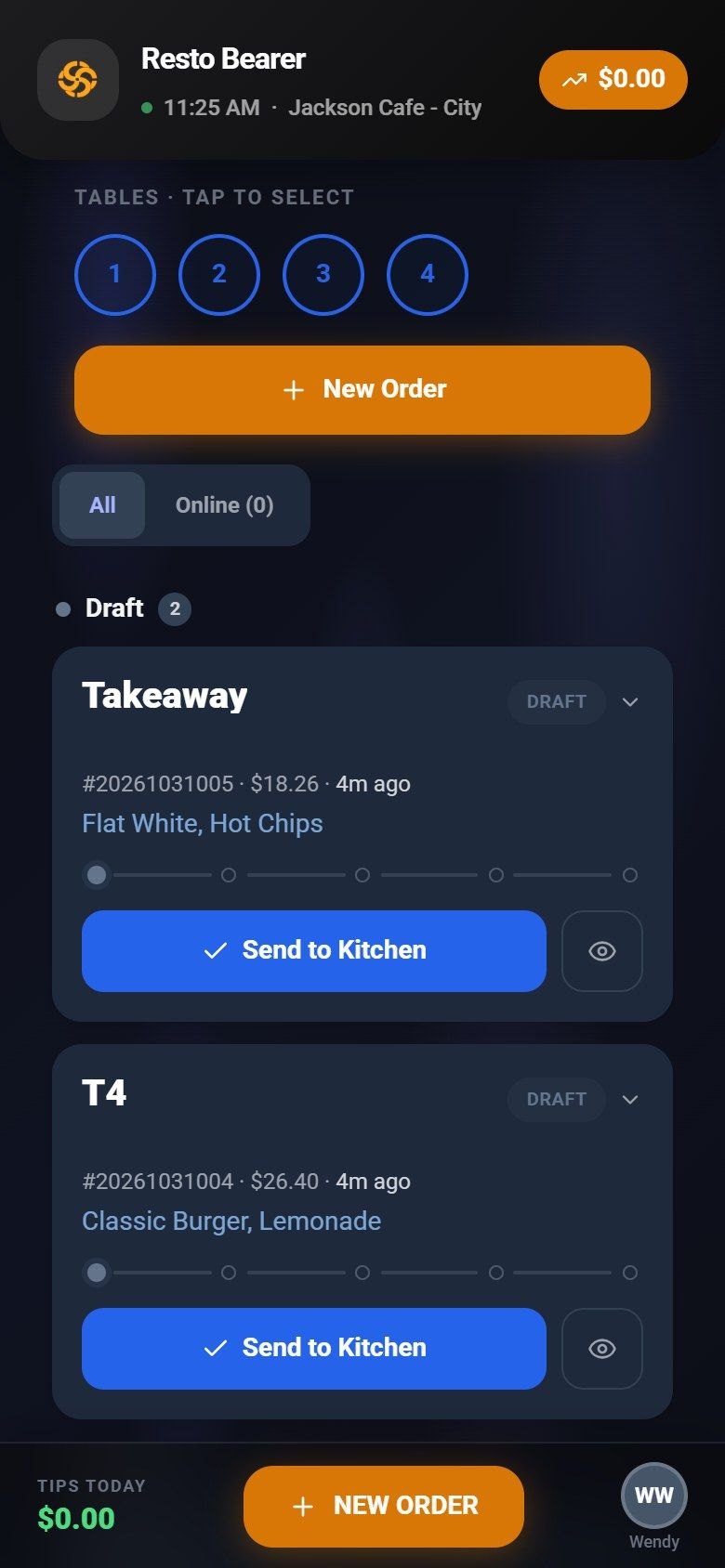
The floor team, on a phone
Sign in with a PIN, pick a table, tap the dishes and send them to the kitchen.
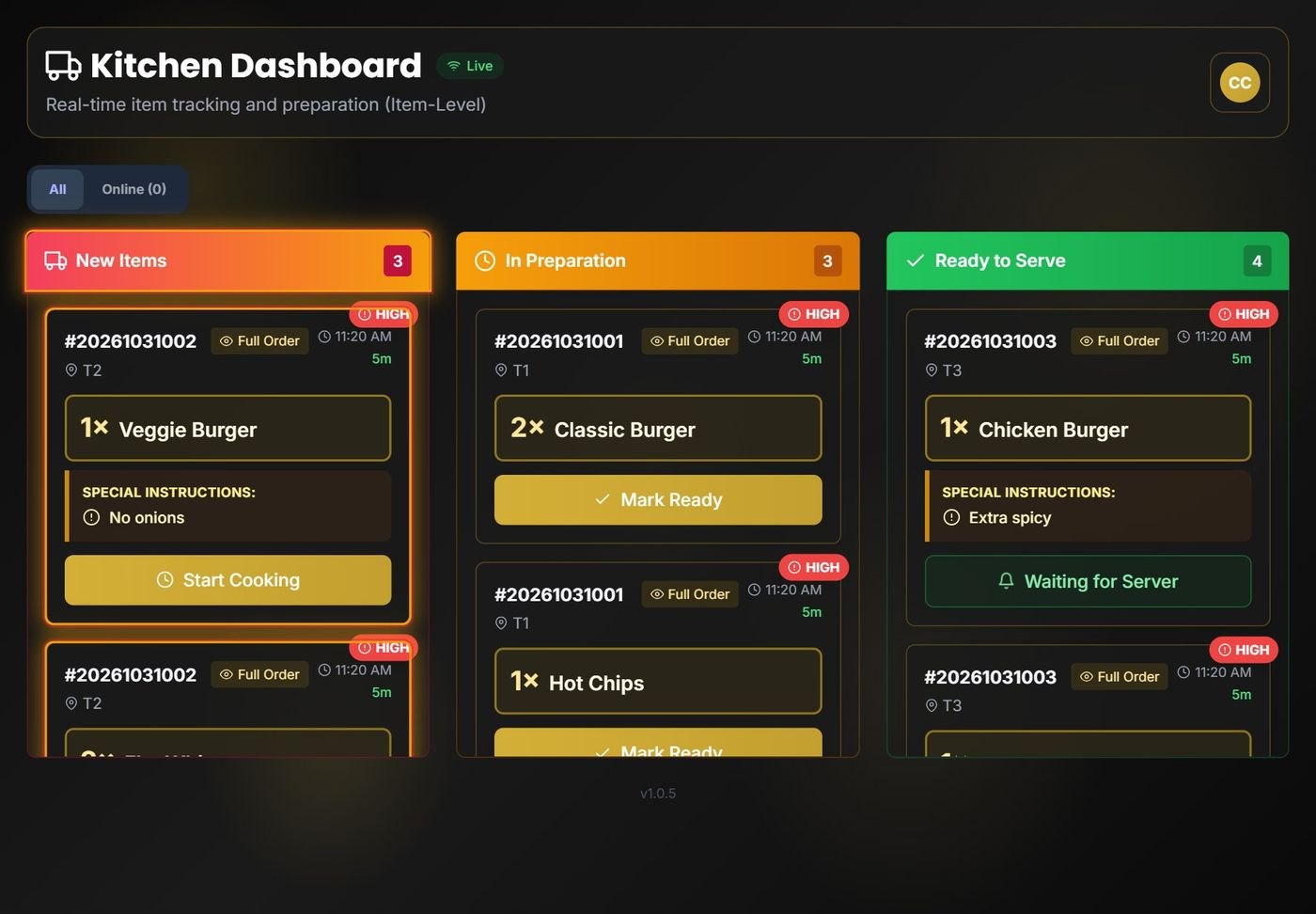
The chefs, on a tablet or screen
New, In preparation and Ready to serve, with notes like "No onions" on every dish.
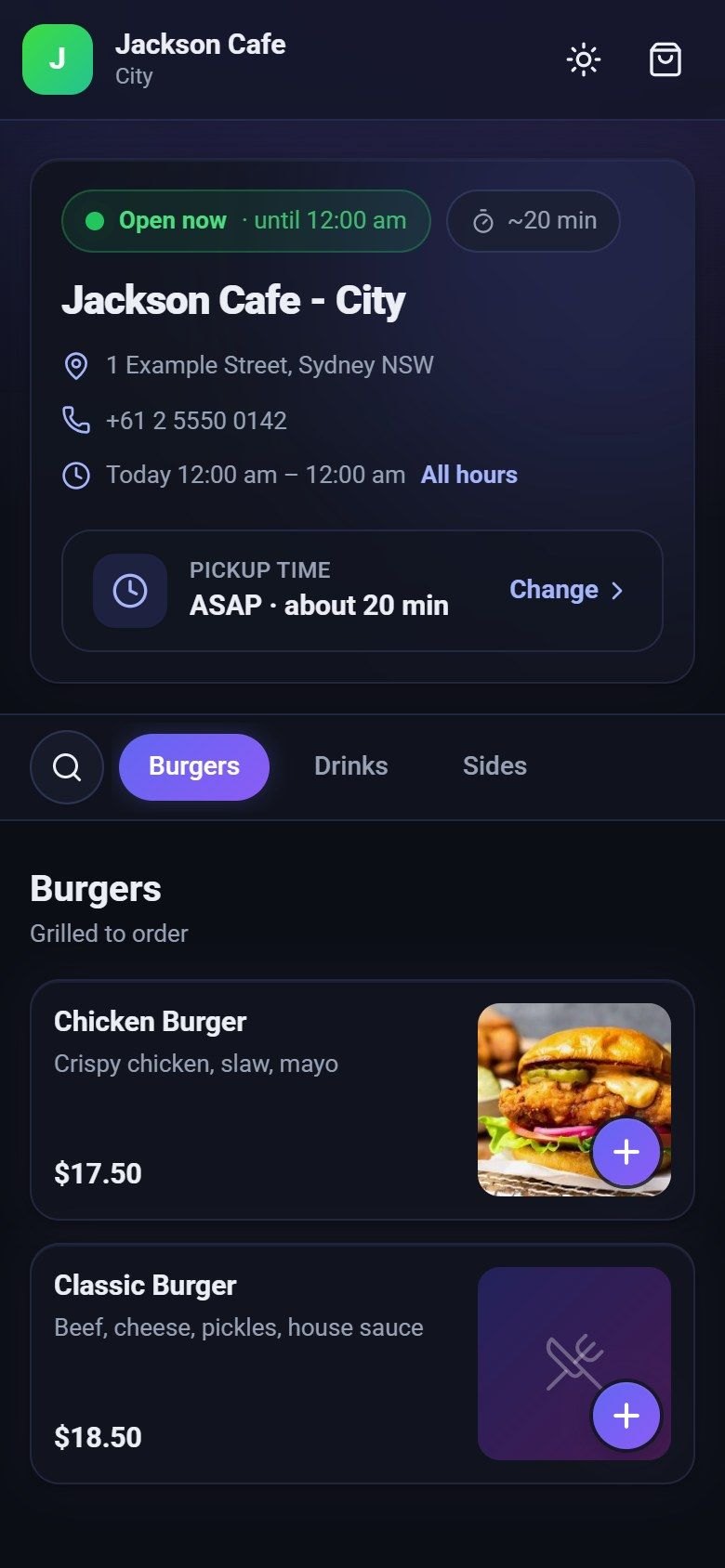
Your customers, on their own phone
Order for pickup from your own link, or scan the code on the table and order.
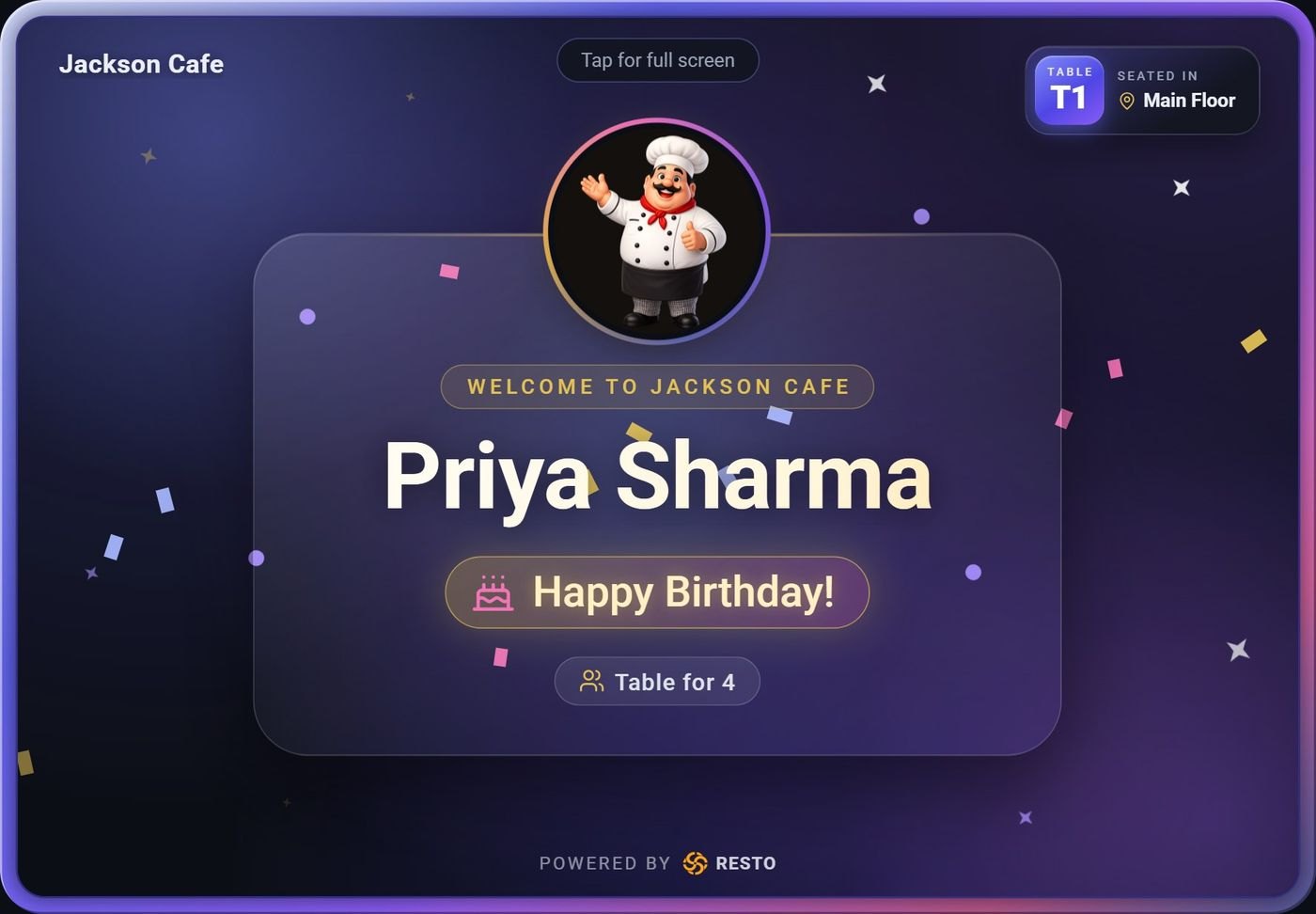
A small screen at each table
Welcomes a booked guest by name, celebrates the birthday, then shows the code to order.
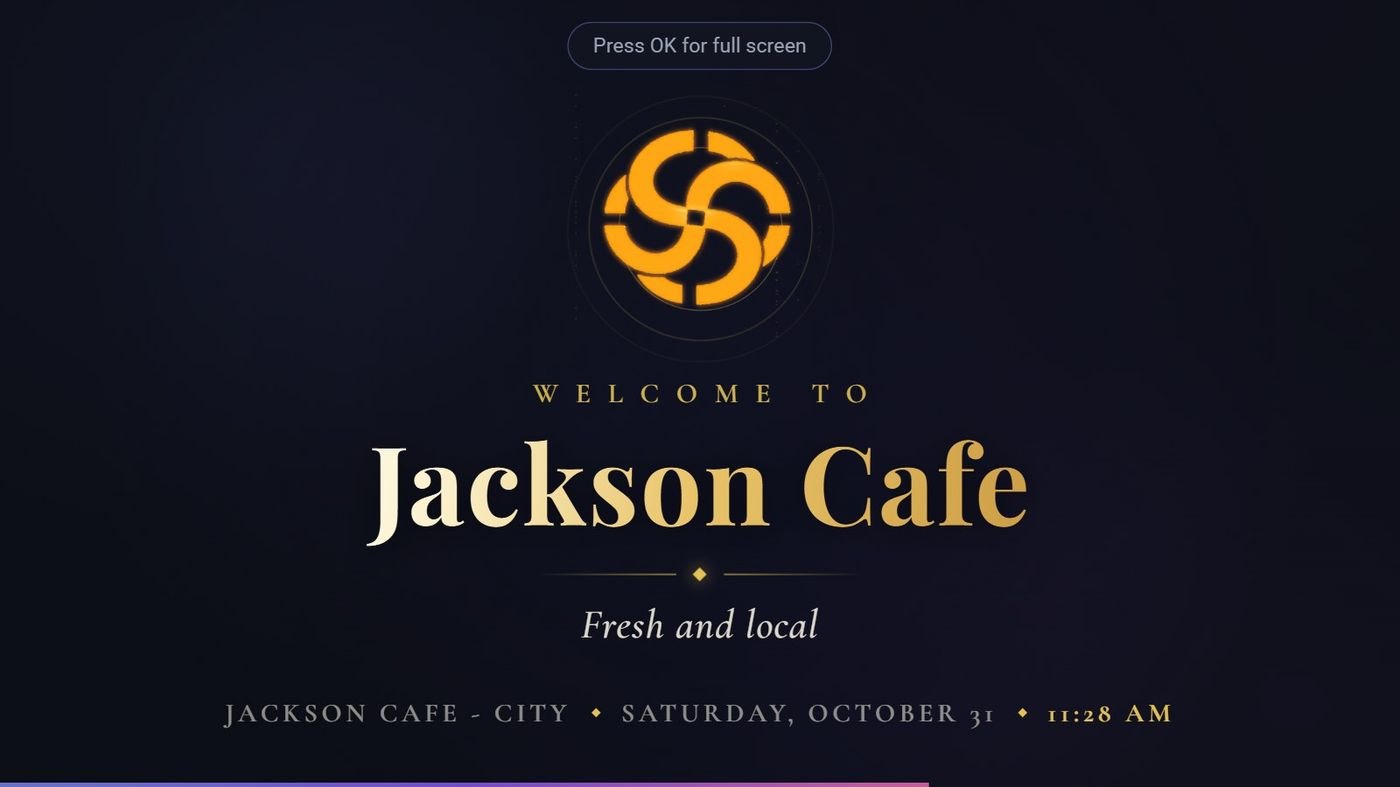
Any TV with a browser
Your offers and specials on screen, in your logo and brand colour.
Start with a 90-day free trial of every feature, so you can set it all up and try it with your real team before you decide.
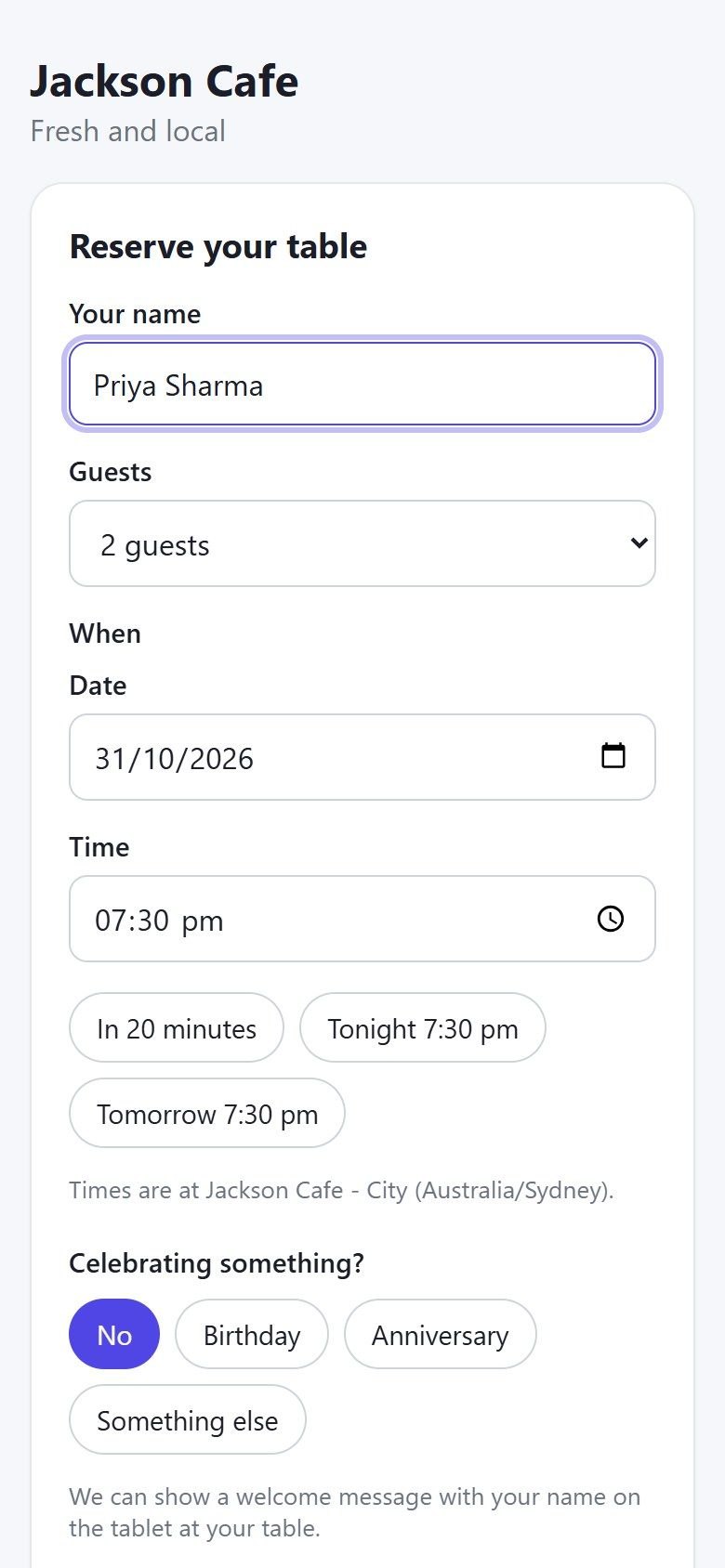
Guests book from your website and tell you what they are celebrating. Resto holds a suitable table, your team confirms it, and when they sit down the table tablet greets them by name.
No booking? The tablet shows your welcome, your offers and the code to scan and order.
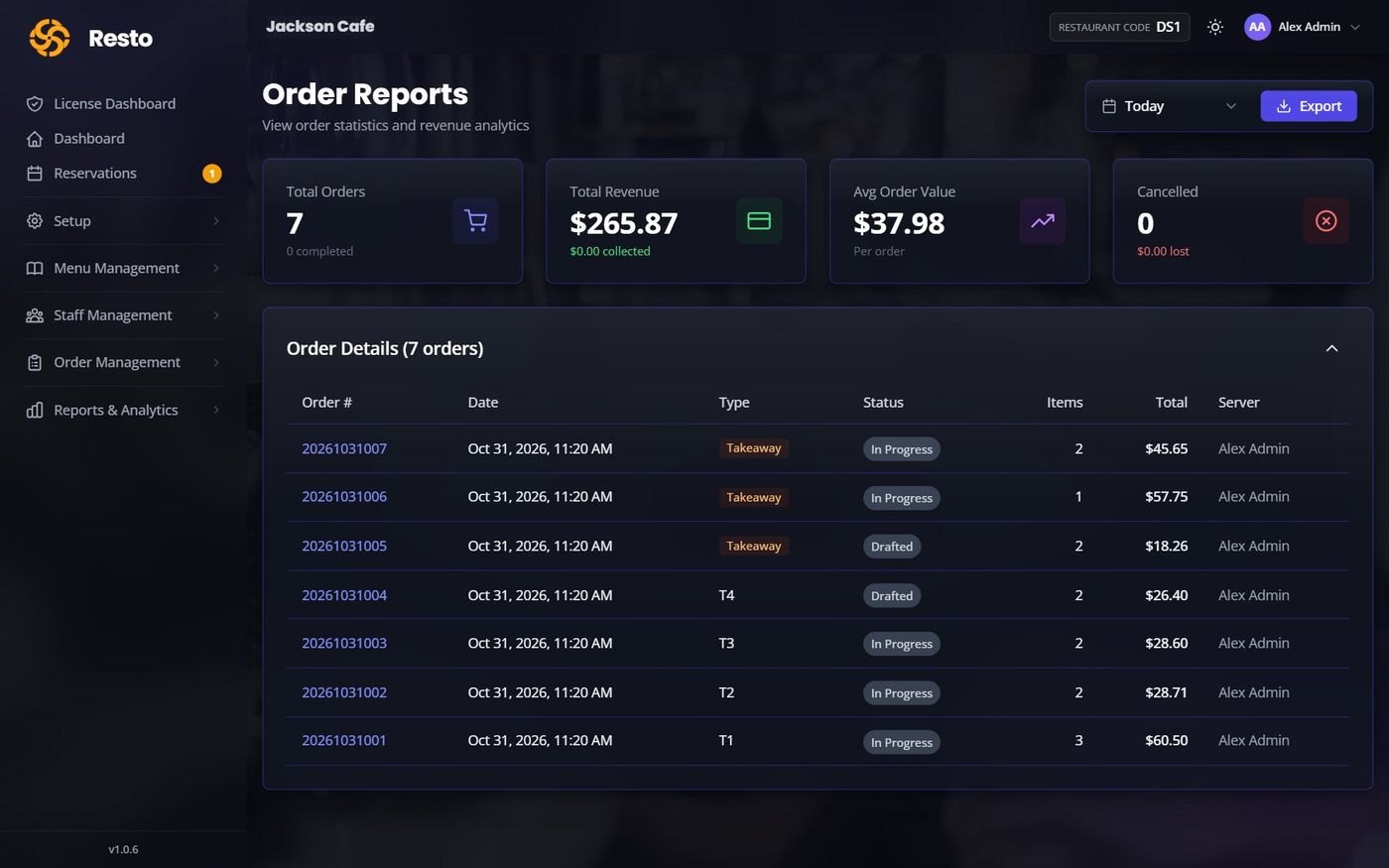
Total orders, revenue, average order value and cancellations for the day, with every order listed. Export it for your records in a click.
Ten short steps, each a few minutes. Your work saves as you go, and a checklist on the dashboard ticks itself off.
All you need: a modern browser, a phone or tablet for each waiter, a screen for the kitchen and an internet connection. No servers, no installation, no special printers.
No. They scan a QR code or open your link, and it works in their phone's browser.
Any phone, tablet or computer with a modern browser. It is built to work well on iPads and phones.
Screens reconnect by themselves when it returns. Orders already sent to the kitchen are safe.
Yes. Each location is a branch with its own floors, tables, menu, currency and time zone.
You do. Card payments go straight to your own Square account.
Of course. We can import your menu, set up your tables and connect card payments with you.
Your data stays yours. Every restaurant has its own private database, only the people you add can sign in, and you choose what each role can see.
Try it free for 90 days, or book a short demo and we'll set Resto up around your menu and your floor.
Built by Sankavitha Solutions