
Nextcloud, with a workspace your team will love.
AvroNext is a modern front end for Nextcloud. Projects, team pages, files, notes, mail, chat and video calls in one fast app that works on desktop and phone. Everything is stored in your own Nextcloud.
Free and open source. We can install, brand, host and support it for you.
- Your data stays in Nextcloud
- Sign in with Nextcloud, 2FA and SSO included
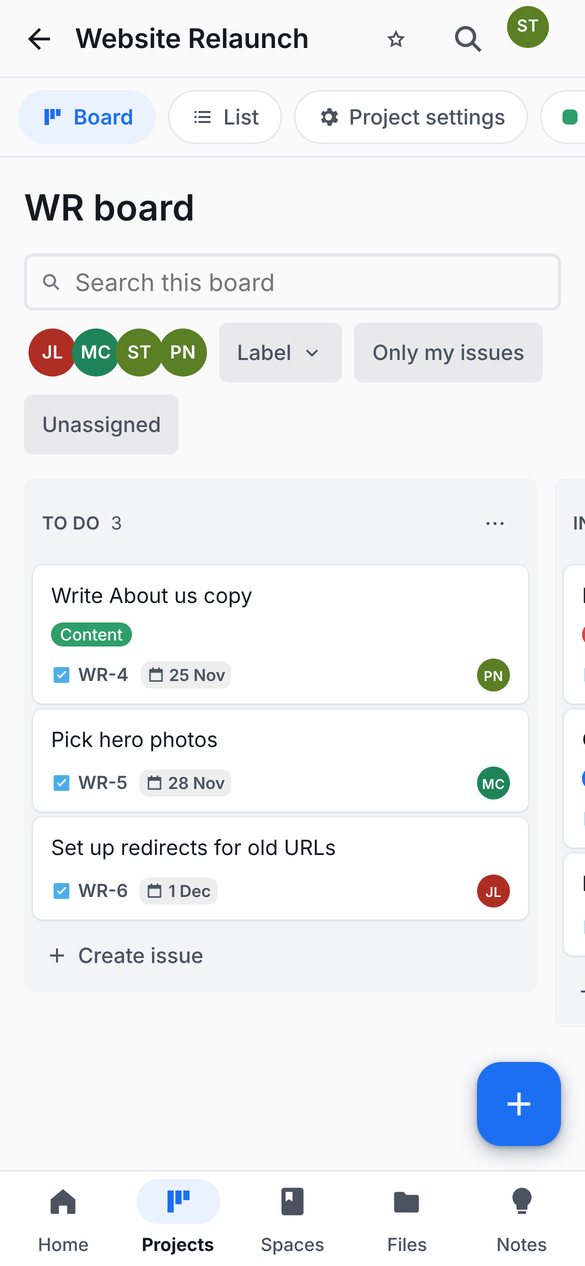
- Installs as a phone app
One app for the way your team works
Each part of AvroNext sits on a Nextcloud app you may already have, so nothing moves and nothing is locked in.
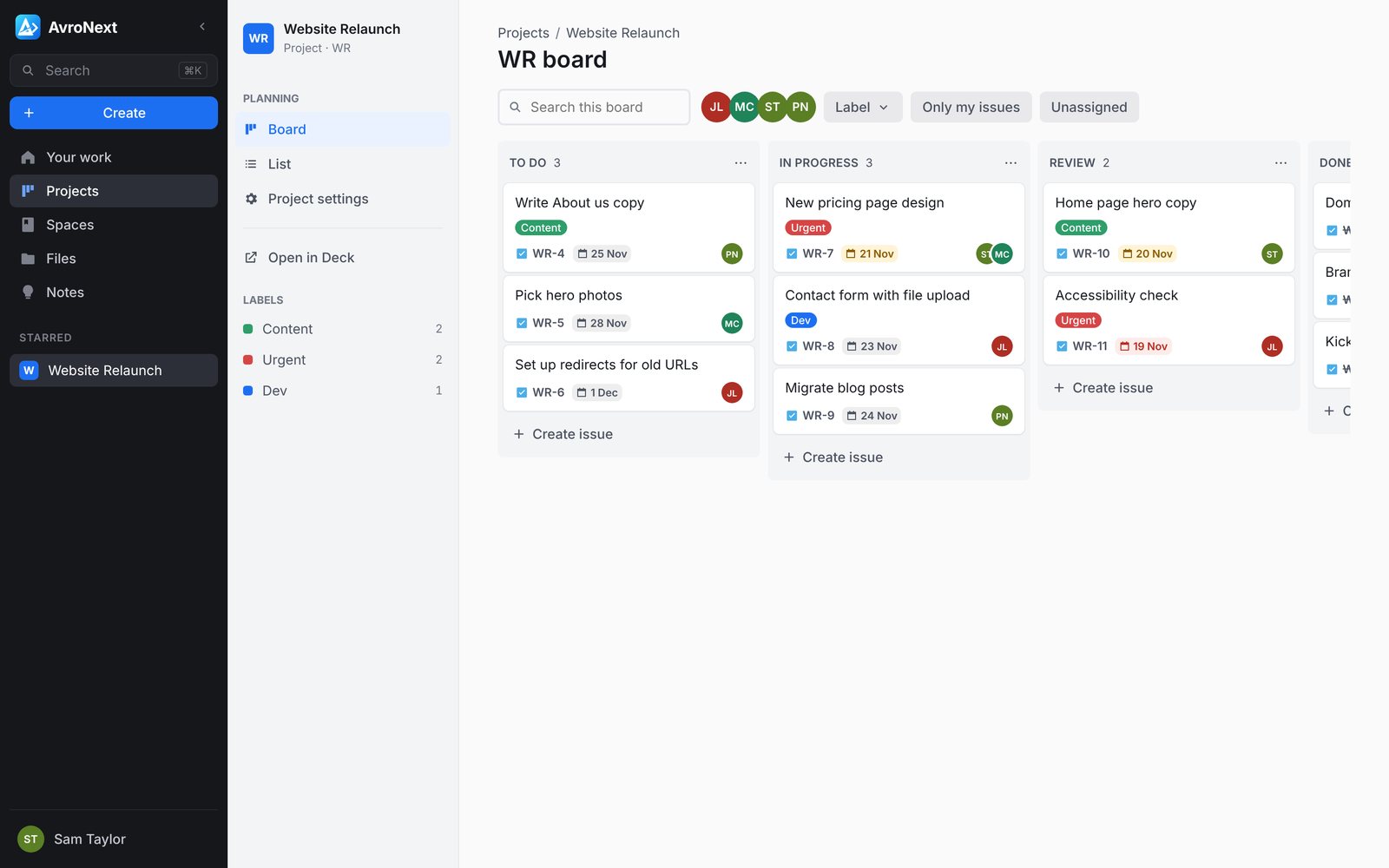
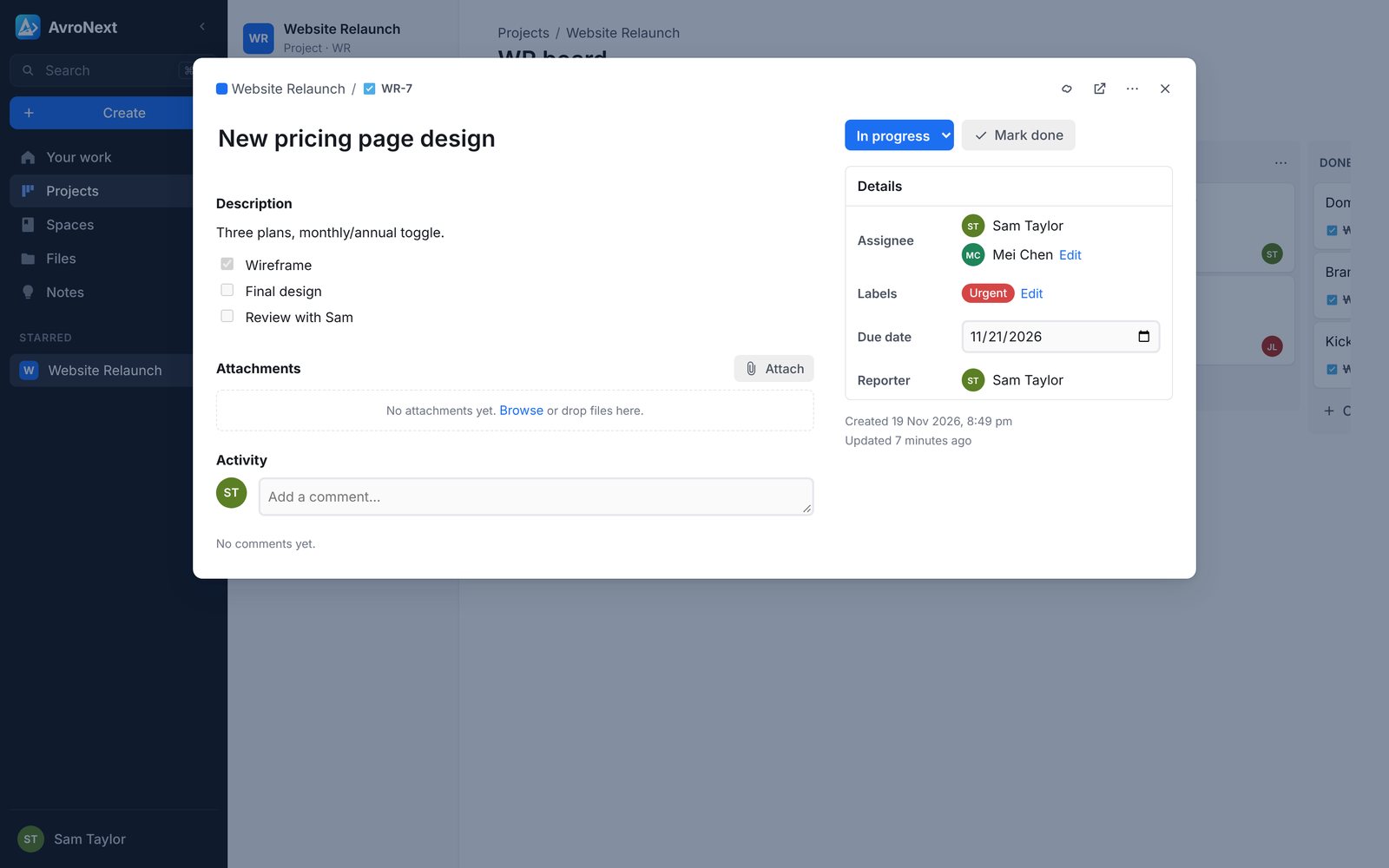
Plan work like Jira, on Nextcloud Deck.
- Boards with drag-and-drop columns and a sortable list view
- Issue keys like WR-7, assignees, labels, due dates and comments
- Your work: what is assigned to you and due this week
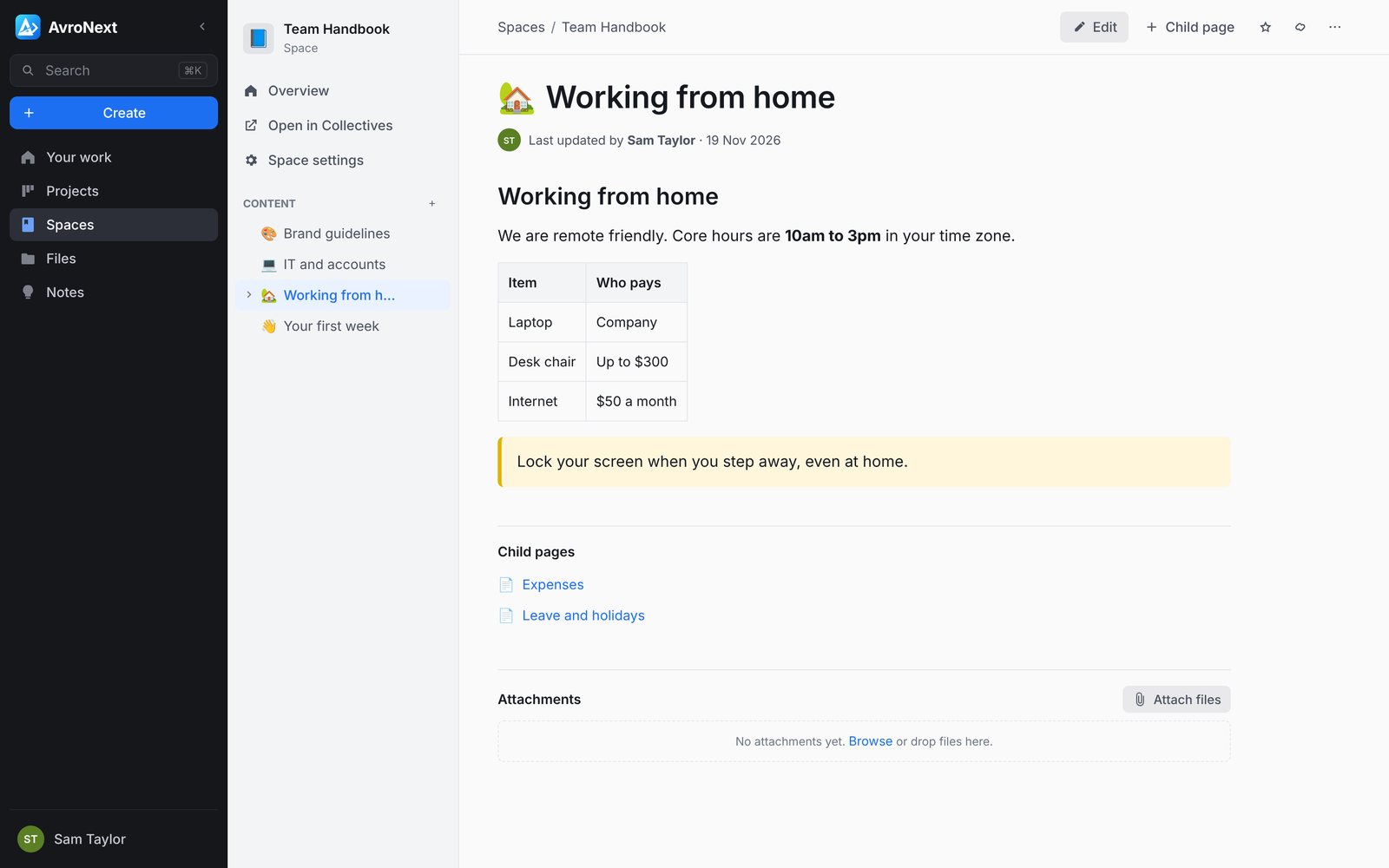
Team pages and handbooks like Confluence, on Collectives.
- A page tree, table of contents and page icons
- Easy editor with tables, checklists, info panels and pasted images
- Bookmarks, child pages, trash and per-space permissions
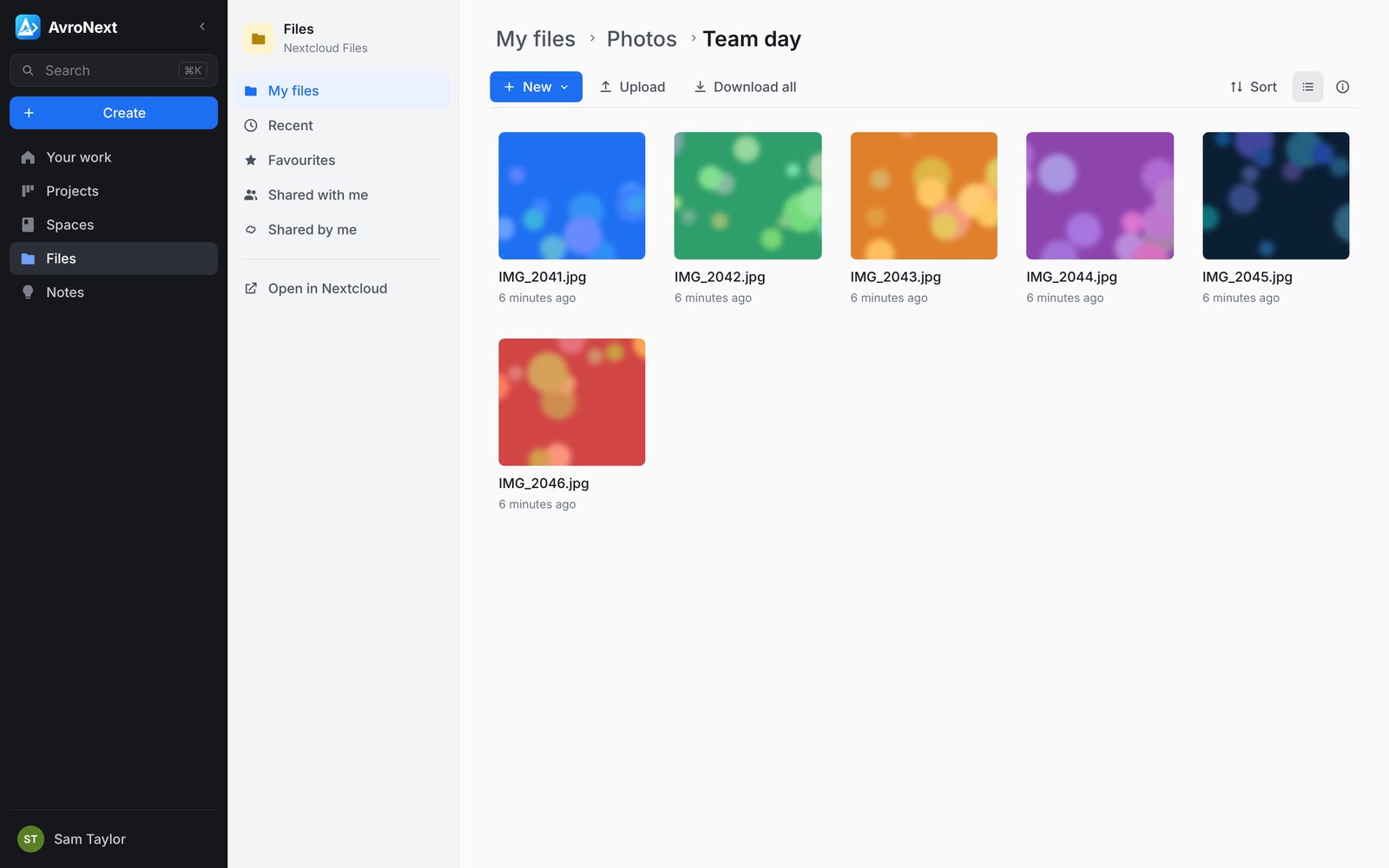
Your Nextcloud files, as easy as OneDrive.
- Drag in files or whole folders, big files included
- Share with people, groups or a public link with password and expiry
- Preview Word, Excel, PowerPoint, PDF, photos and video in the browser
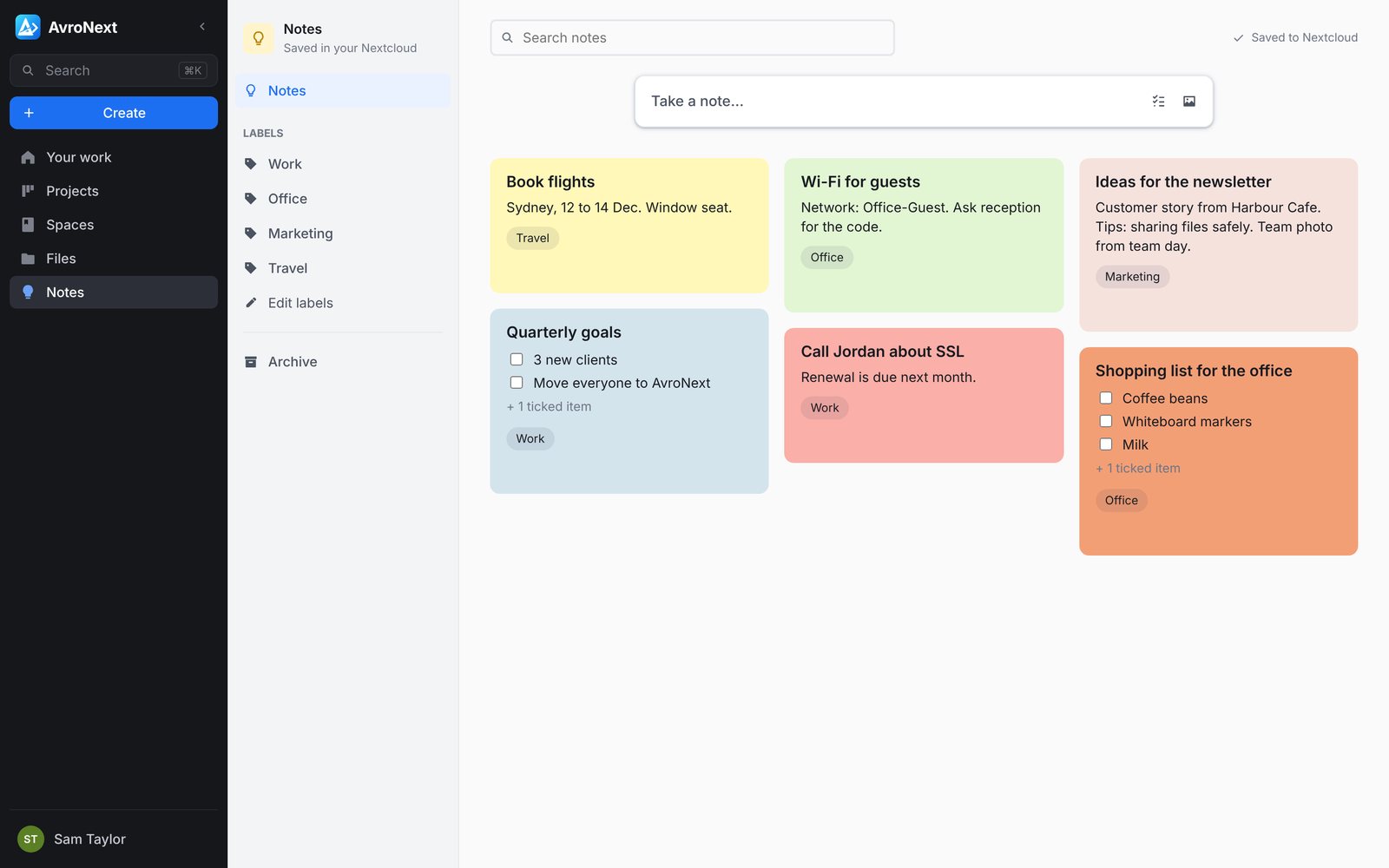
Quick notes and checklists, like Google Keep.
- Pin, colour, label and archive
- Works offline and saves when you are back online
- The same notes as the Nextcloud Notes app on your phone
Outlook-style mail on Nextcloud Mail: folders, search, conversations, signatures and drafts. Write from any page.
Chat and video calls
Chat with your team and start video calls on Nextcloud Talk. Meeting links that guests can join, with lobby, background blur and recording.
Phone app
Install it on iPhone or Android from the browser. Bottom tabs, camera upload and share-to from other apps.
Your branding
Your name, logo and colour from Nextcloud Theming. Change them there and AvroNext follows.
Admin made simple
Add people with an emailed invite, manage groups, quotas and passwords. Group admins see only their groups.
Search and dark mode
Find issues and pages from anywhere with Ctrl K. Light, dark or system theme.
Built on the Nextcloud you already trust
AvroNext is a new face for Nextcloud, not a new place for your data.
- No database of its ownEverything is read from and saved to Nextcloud. Stop using AvroNext tomorrow and nothing is lost.
- Use both side by sidePeople who prefer the Nextcloud apps, or the Nextcloud phone apps, see the same boards, pages, files and notes.
- Secure sign-inSign in through Nextcloud itself, so two-factor and single sign-on keep working. AvroNext never stores passwords.
- Open sourceFree to use and released under the AGPL-3.0 licence. You can see how it works and run it yourself.
| In AvroNext | Stored in |
|---|---|
| Projects and issues | Nextcloud Deck |
| Spaces and pages | Nextcloud Collectives |
| Files and sharing | Nextcloud Files |
| Notes | Nextcloud Notes |
| Nextcloud Mail | |
| Chat and calls | Nextcloud Talk |
Needs Nextcloud 28 or newer. Mail and calls appear when those apps are installed.
Up and running without the technical work
AvroNext is free to run yourself. Most teams would rather we take care of it, so here is how that works.
- 1
Look at your setup
We check your Nextcloud and the apps you need. No Nextcloud yet? We can set one up for you.
- 2
Install on your address
AvroNext goes live on your own domain, for example work.yourcompany.com.au, over HTTPS.
- 3
Brand and connect
Your logo and colours, your mail server, and video calls if you want them.
- 4
Train and support
A walkthrough for your team, then ongoing updates and help when you need it.
Questions
Is AvroNext really free?
Yes. AvroNext is open source and free to use. You pay us only if you want us to set it up, host it or support it.
Do we need Nextcloud?
Yes, AvroNext runs on top of Nextcloud 28 or newer with the Deck and Collectives apps. If you do not have Nextcloud, we can set it up for you.
Where is our data kept?
In your Nextcloud, on your server or on hosting we arrange for you. AvroNext keeps no copy of its own.
Can people keep using Nextcloud?
Yes. The Nextcloud web and phone apps keep working, and everyone sees the same work.
Does it work on phones?
Yes. It installs from the browser as an app on iPhone and Android, with a layout made for small screens.
Want AvroNext for your team?
Tell us a little about your team and your Nextcloud. We will show you a demo and set it up for you.
Talk to us